Use Google Play Console store performance to understand how visitors reach a listing, which segments acquire, and where conversion differs. Compare search and explore context, country, language, traffic source, and custom listing where available; then connect acquisitions to crashes, uninstalls, retention, and value. Diagnose a segment before changing the global page.
Separate discovery from conversion
Visibility growth and conversion growth answer different questions. Identify whether the constraint is insufficient relevant visitors or a weak decision experience. Use consistent date ranges and definitions before comparing performance.
Segment by acquisition context and market. Branded search, category discovery, paid traffic, and returning users arrive with different expectations and should not share one benchmark.
Compare listings and experiments
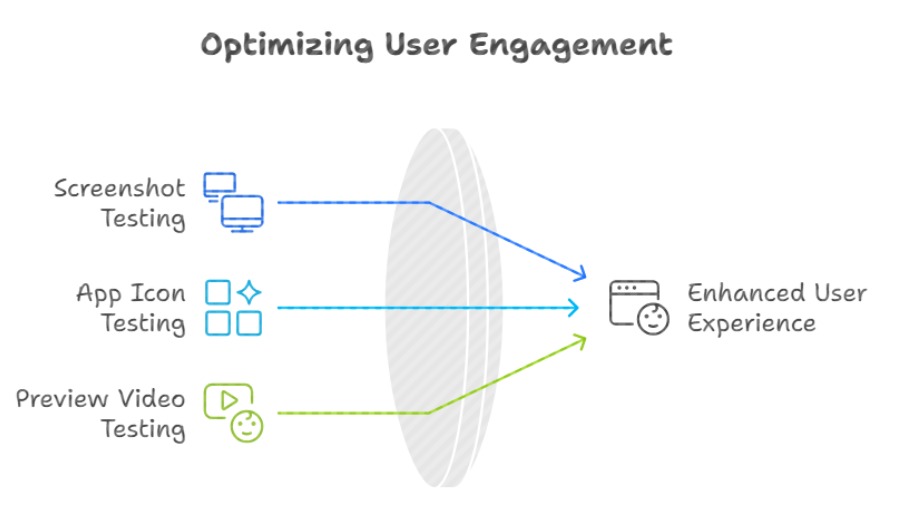
Custom store listings can tailor app name, descriptions, icon, and graphics for supported audience segments. Compare each page with the appropriate audience and default-page baseline rather than ranking all pages by raw conversion.
For experiments, preserve the control, document the hypothesis, and judge uncertainty and practical value. After applying a winner, verify that the result persists.
Join store and product quality
Pair acquisitions with Android vitals, crash and ANR trends, uninstall, activation, retention, purchase, and rating themes. A listing change that attracts incompatible devices or expectations can raise installs and harm the product.
Use a weekly diagnostic view and a monthly decision review. Annotate releases, campaign changes, featuring, outages, and seasonality so cause is not inferred from coincidence.
Action plan
- Define visibility and conversion separately
- Segment by context and market
- Compare custom listings fairly
- Record experiment hypotheses
- Join Android quality signals
- Annotate launches and campaigns
Metrics to monitor
- Store listing visitors
- Acquisitions and conversion
- Custom listing and experiment lift
- Crash, uninstall, retention, and value
Record the baseline, release date, audience, markets, and external changes before interpreting movement. Rankings and conversion are useful signals, but a decision is stronger when activation, retention, and business value confirm that the page attracted the right users.
Frequently asked questions
Why does Play Store conversion vary by country?
Intent, brand awareness, devices, pricing, language, competition, creative expectations, and product readiness can all differ. Diagnose locally.
Should a low-converting segment change the global listing?
Not automatically. Use localization or a tailored listing when the segment's needs differ materially.
Keep reading
Go deeper on this topic
More in Measurement
Browse all 15 Measurement guides
Work with ASOWin
Primary sources
Platform capabilities and limits can change. Verify current requirements in these official resources: